Codes
Track Create Slime Mart promo codes with status notes—none confirmed active as of Nov 2026—plus redemption steps when new codes drop.
View all CodesCodes · Slime food · Pets · Collab
Unofficial Create Slime Mart wiki covering codes, slime food recipes, pets, Coins and Subs farming tips, and friend collab on Roblox.
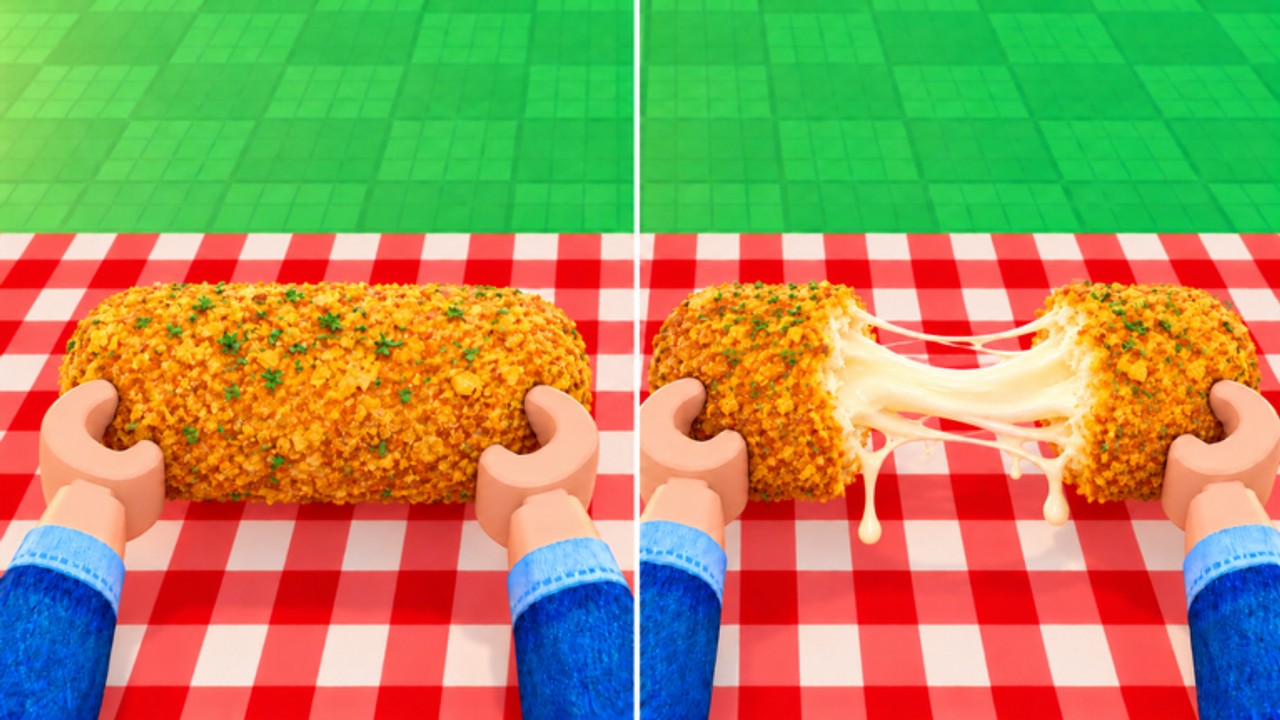
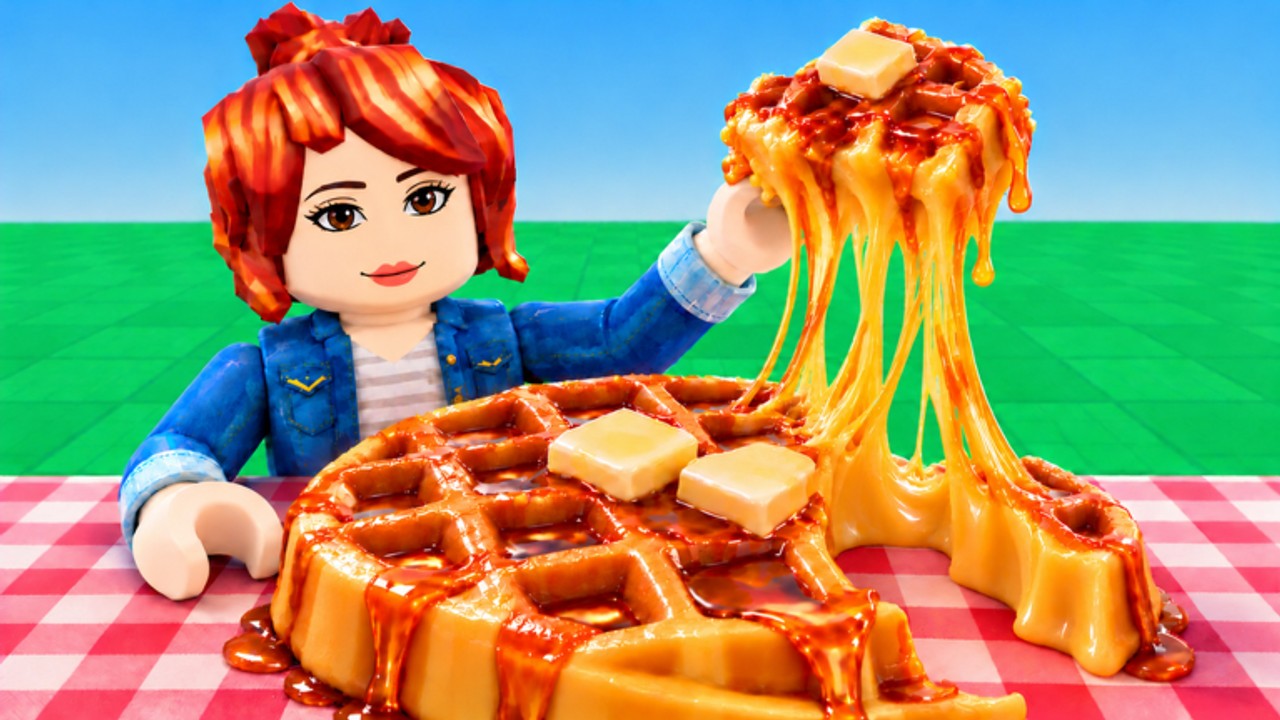
Create Slime Mart is a Roblox early-access simulation by Courgette Fan Club. Pick restocked boxes, assemble slime food with dough, glue, toppings, and Extras, then stretch, squish, and film for Coins and Subs. Visit friends in small servers, track Pets testing, and start with the beginner guide, then check codes, the tier list, collab tips, and updates.
Track Create Slime Mart promo codes with status notes—none confirmed active as of Nov 2026—plus redemption steps when new codes drop.
View all CodesCreate Slime Mart guides hub: getting started, slime food, restocks, Extras, filming, Coins, Subs, pets, and controls for Roblox players.
View all GuidesCreate Slime Mart tier list hub ranking slime food recipes and pets by visual flex, coin and sub yield, crafting ease, and box rarity.
View all Tier ListCreate Slime Mart collab hub: visit friends, share tables, max-10 server tips, etiquette, and how to craft slime food together online.
View all CollabCreate Slime Mart updates hub: October 2026 launch, November testing notes, Pets branding, and early-access patch watch.
View all UpdatesCreate Slime Mart scripts overview: common automation ideas, executor risks, ban warnings, and how to judge tools before you run anything.
View all ScriptsOfficial Create Slime Mart links hub: Roblox game page, Courgette Fan Club group, and trusted fan wiki resources without fake claims.
View all LinksOpen the official Roblox place, load into a server, and find the shops that restock boxes. New players should skim Getting Started first.
Wait for shops to restock, grab a box, and take it to your table. Call restocks politely if you are in a collab session with friends.
Combine dough, glue or activator, toppings, and Extras into waffles, donuts, pizza, and more. Follow How to Make Slime Food for clean builds.
Play with your creation on camera to earn Coins and Subs. Optimize the loop with Earn Coins and Subs and compare recipes on the tier list.
Join friends for shared tables, then track companion news in the Pets Guide and Pets update notes.
Quick answers to the most common questions.
Read the Getting Started guide, learn slime food basics, then check codes and the tier list.
As of November 2026 there are no confirmed active promo codes. Watch the Codes Hub after updates from Courgette Fan Club.
Assemble slime food, then stretch, squish, crunch, and film your creations. See Earn Coins and Subs for session tips.
Yes. Visit friends for collab crafting in servers that typically cap near 10 players. Etiquette tips live on the Collab hub.
This wiki supports: English, Français, Deutsch, Español, Português (BR). Configure locales in site.meta.json and run npm run generate:i18n.
Pets naming appears while companion features are testing. Track changes on Updates and Pets update.
No. This is an unofficial fan wiki. Confirm announcements through the official Roblox page and Courgette Fan Club channels.
Learn restocks, craft slime food, film for Coins and Subs, and collab with friends. Start with the beginner guide or jump into codes, the tier list, and updates.
Start with the beginner guide