Create Slime Mart Codes
Active list status, where codes usually appear, and how to redeem them safely.
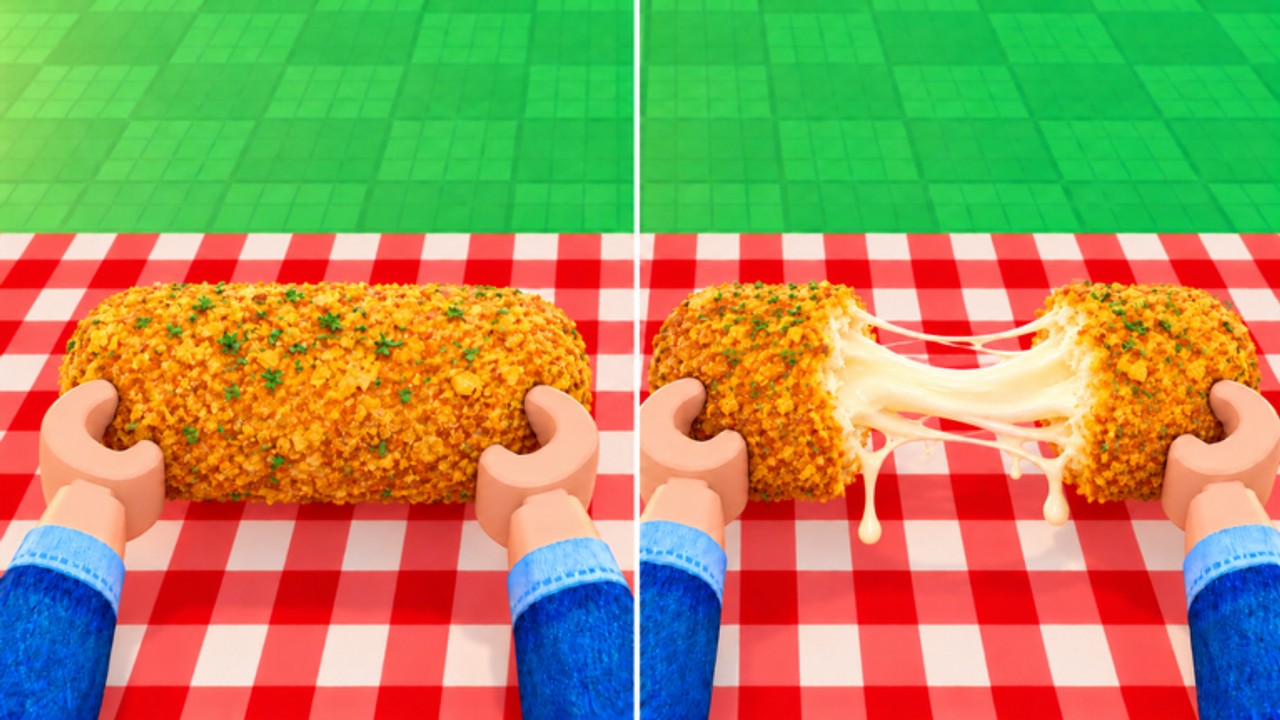
Welcome to the Create Slime Mart Codes hub. This page is the place to check whether Courgette Fan Club has published working promo codes, what they usually reward, and how to redeem them without typos or outdated lists. Create Slime Mart launched on Roblox on 26 October 2026 as an early-access slime-food simulation. As of November 2026, there are no confirmed public active codes circulating for reliable rewards. That does not mean codes will never appear—it means you should treat every random Discord paste or TikTok screenshot as unverified until you see it here or from the developer group.
Current code status
| Status | Detail |
|---|---|
| Active codes | 0 confirmed |
| Last checked | November 2026 |
| Typical rewards (when live) | Coins, Subs, cosmetic Extras, or box help |
| Game phase | Early access / testing (Pets naming in title) |
If a code expires, misspells a letter, or was never real, the redeem UI will simply reject it. Bookmark this hub and the Updates page so you can react when a patch or group shoutout drops a real string.
How Create Slime Mart codes usually appear
Roblox simulation games rarely hide codes forever. When Courgette Fan Club (or related group channels) decide to gift the community, codes typically show up through:
- Group shoutouts or wall posts on the developer Roblox group.
- Update titles or patch notes after a content drop—especially around Pets testing or restock changes.
- Milestone celebrations (visit goals, like, or favorite spikes).
- Creator shoutouts when popular Roblox YouTubers cover waffle or donut slime builds.
We will only list codes here after they are verified in-game. Fake “unlimited Coins” strings that ask you to leave the Roblox client are scams. Never enter your password into a third-party “code generator.”
How to redeem a code when one is active
Exact UI labels can shift during early access, but the workflow is consistent across most Roblox experiences:
- Open Create Slime Mart and wait until your table and shops finish loading.
- Look for a Codes, Rewards, or gift-box button on the HUD (often near shop or settings panels).
- Paste the code exactly—codes are case-sensitive and hate trailing spaces.
- Confirm. If accepted, Coins, Subs, or Extras appear in your inventory or currency counters.
- If rejected, check this hub again; the code may have expired between the social post and your session.
After redeeming, put new Coins toward restocking shops or assembling higher-value slime food. New players should follow Getting Started before chasing every rumor about free boxes.
What codes will not replace
Codes are a bonus layer. The core loop still matters:
- Watch shops restock, pick a box, and open it at your table.
- Assemble slime food with dough, glue/activator, toppings, and Extras.
- Stretch, squish, crunch, and film creations to earn Coins and Subs.
- Visit friends for collab sessions in servers capped around 10 players.
If you are hunting progression instead of promo strings, read the Guides Hub, watch for automation risks on the Scripts Hub, and track Pets news on Updates. Community scripts that claim to auto-enter every code are unnecessary—and often unsafe—when the official list is empty.
Staying ahead of the next drop
- Recheck this page after major titles change (especially when “Pets” appears in the experience name).
- Prefer official group messaging over random private servers selling “premium codes.”
- Cross-check reward claims against what the game economy actually uses: Coins, Subs, boxes, Extras, and pets when they roll out.
- Share working codes with friends during collab visits so the whole table benefits—without spoiling restock etiquette.
When the first verified batch goes live, this hub will expand into a clear Active / Expired table with reward notes. Until then, treat “no codes” as the accurate answer and spend your session crafting slime waffles, donuts, and pizza instead of refreshing scam lists.
Frequently Asked Questions
Quick answers to the most common questions.
Are there any working Create Slime Mart codes right now?
As of November 2026, no public promo codes are confirmed active. Recheck this hub after updates or Courgette Fan Club shoutouts.
Where do I redeem codes in Create Slime Mart?
Join the game, open the Codes or Rewards UI on the HUD, paste the exact string, and confirm. Labels may shift slightly during early access.
Why did my code fail?
Common causes are expired codes, typos, extra spaces, region-limited drops, or fake social-media strings that were never published by the developers.
Do codes give Coins and Subs?
When live, Roblox sim codes often grant currency or cosmetics. Exact Create Slime Mart rewards will be listed beside each verified code on this page.
Should I use a script to redeem codes automatically?
No. With zero confirmed codes, auto-redeem tools add ban and malware risk for no gain. See the Scripts Hub for safety guidance.