Create Slime Mart Guides
From first box to filmed slime food, restocks, Extras, pets, and friend visits—every core how-to in one hub.
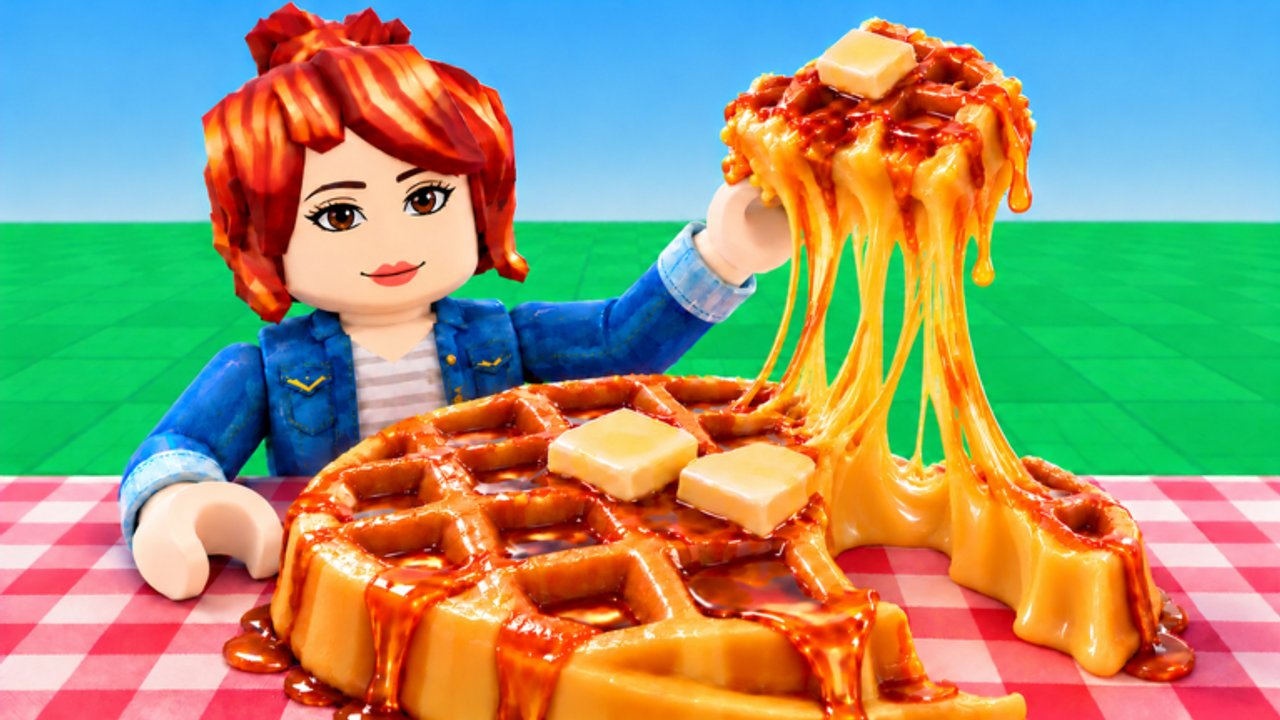
The Guides Hub is the practical center of the Create Slime Mart wiki. Whether you just clicked Play on Roblox or you are optimizing film takes for Subs, start here, then open the focused tutorials linked below. Create Slime Mart is an early-access simulation by Courgette Fan Club (launched 26 October 2026, ~5.75M visits by mid-November): pick boxes from restocking shops, assemble slime food at your table, stretch and squish your creation, film it for Coins and Subs, discover new boxes, visit friends, and prepare for Pets content that already appears in testing titles.
Core guide index
| Guide | Best for | Link |
|---|---|---|
| Getting Started | First session checklist | Open guide |
| How to Make Slime Food | Dough, glue, toppings, Extras | Open guide |
| Shop & Restocks | Box timing and Coin liquidity | Open guide |
| Extras & Toppings | Camera-readable flair | Open guide |
| Earn Coins and Subs | Currency loop templates | Open guide |
| Filming Tips | Cleaner takes for Subs | Open guide |
| Pets Guide | Companions during testing | Open guide |
| Controls | Input map and camera tips | Open guide |
PC navigation shows up to eight guide entries; open this hub anytime for the full list.
Recommended learning path
- Read Getting Started — join the place, find shops, claim a table, and learn the restock cadence without panic-buying every box.
- Practice assembly with How to Make Slime Food — waffles, donuts, and pizza-style builds teach the dough → activator → toppings → Extras flow.
- Master shelves via Shop & Restocks so you stop AFK-staring at empty stock.
- Dress the plate with Extras & Toppings once bases look readable on camera.
- Monetize your takes via Earn Coins and Subs and polish presentation with Filming Tips.
- Learn inputs on Controls so mobile and desktop players share the same muscle memory during collab.
- Track companions with the Pets Guide as Pets features stabilize.
- Compare quality on the Tier List Hub once you can craft more than one recipe family.
What good Create Slime Mart guides cover
Strong tutorials for this game answer search intents like how to get boxes, how to make slime waffles, how to earn Coins, how to visit friends, and how pets work. Each child guide should stay concrete:
- Name the resources you spend (boxes, Extras, time between restocks).
- Show failure states (ruined stretch, missed film window, empty shop).
- Link sibling pages so readers never dead-end after one tip.
- Respect early-access truth: UI labels can move; the loop stays the same.
Mid-session habits that guides reinforce
- Watch restocks instead of AFK staring at an empty shelf.
- Keep Extras organized so collab partners are not blocked at a shared table.
- Film multiple short takes; one clean clip often beats ten frantic ones.
- Visit friends when your server has room (soft cap near 10 players) to discover boxes you have not seen—see Visit Friends.
- Recheck Codes after patches—none are confirmed active as of November 2026, but freebies can appear later.
- Skip shady automation; the Scripts Hub explains why executors are a poor substitute for skill.
Collab and updates belong in your guide diet
Crafting alone teaches mechanics; crafting with friends teaches timing and etiquette. Pair these how-tos with the Collab hub for visit flow, and with Updates, November testing notes, plus the Pets update when the title or patch changes. Official entry points stay listed on Official Links.
How this wiki keeps guides useful
We prioritize depth over filler: each English guide aims for real coverage of the loop, FAQs for common mistakes, and internal links with clear anchor text. Video embeds stay limited to one real YouTube video per page, placed mid-article when they demonstrate a recipe or launch moment. Rankings live on tier-list pages; patch chronology lives on updates; this hub simply routes you to the right classroom.
If you are brand new, do not over-optimize. Open Getting Started, pick one restocked box, assemble something messy, film it, and only then chase waffle perfection. The rest of the guide library will still be here when you are ready for Extras, Subs grinding, pets, and friend-hosted slime mart nights.
Frequently Asked Questions
Quick answers to the most common questions.
Which Create Slime Mart guide should I read first?
Start with Getting Started, then How to Make Slime Food, then Earn Coins and Subs. Add Controls if inputs feel unclear.
Do the guides cover pets yet?
Yes—see the Pets Guide and Pets update notes. Details will expand as testing features finalize.
Where do I learn waffle or donut recipes?
Use How to Make Slime Food for process steps, then the Slime Food Tier List for which recipes are worth prioritizing.
Are these guides official?
No. This is a fan wiki. Always confirm breaking changes through Courgette Fan Club channels and the Roblox game page.
How do guides differ from the tier list?
Guides teach how to play systems. Tier lists rank outcomes. Read both when deciding what to craft next.