Create Slime Mart Visit Friends & Collab
Shared tables, restock etiquette, and slime food sessions in servers capped near 10 players.
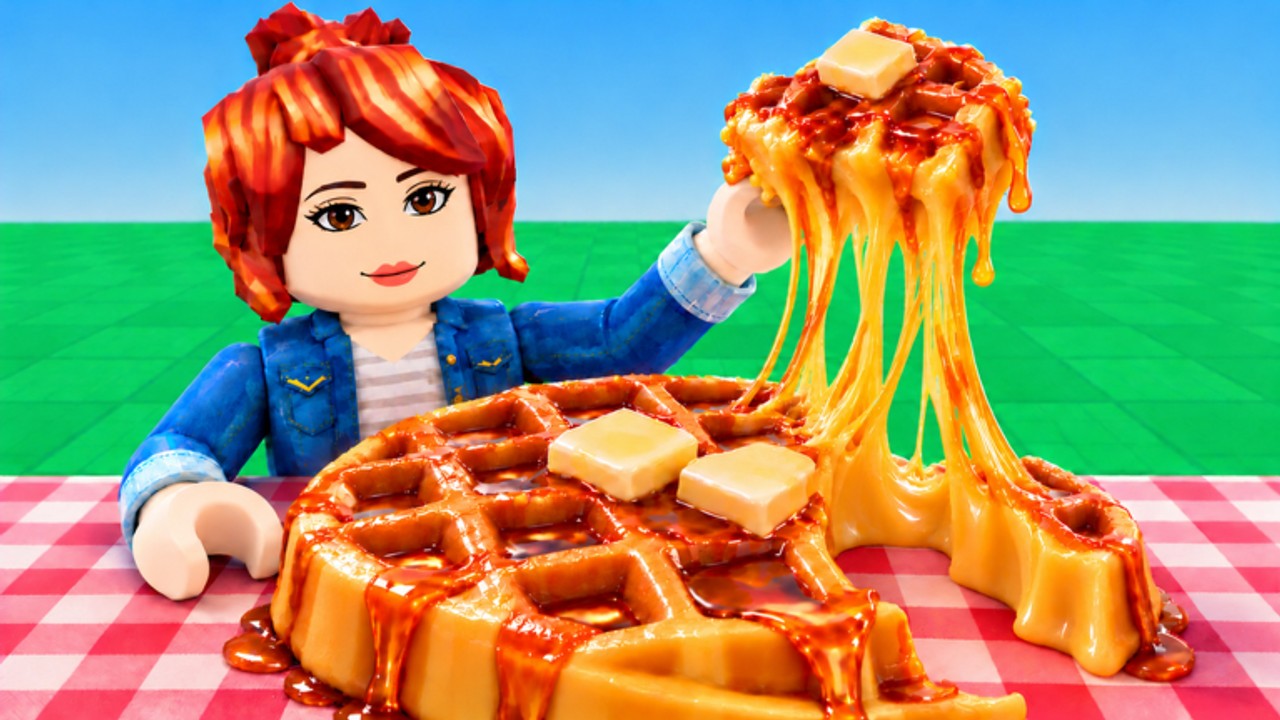
Create Slime Mart is more fun when the mart feels alive. This Collab Hub (Players category) covers visiting friends, crafting slime food together, and staying polite in small Roblox servers. The experience supports online co-op style visits with a practical ceiling around 10 players. That limited size is a feature: everyone can see restocks, hear callouts, and film without a chaotic megaserver.
Featured collab pages
- Visit Friends — join flow, full-server handling, host vs guest roles, and safe session rules
Why collab matters in Create Slime Mart
The solo loop is clear—pick a box, assemble, stretch, squish, film for Coins and Subs. Collab multiplies discovery:
- Friends may find boxes or Extras you have not seen yet.
- Side-by-side tables make recipe comparisons instant for the Tier List.
- Shared filming sessions teach cleaner stretch timing than grinding alone—pair with Filming Tips.
- Pets testing content is easier to evaluate when multiple players report what spawned.
Use Getting Started first so you understand shops and tables before you drop into a friend’s place. Shelf pacing details live in Shop & Restocks.
How visiting friends usually works
Exact buttons can shift during early access, but the social flow is familiar to Roblox players:
- Add or select a friend who owns or is playing Create Slime Mart.
- Use Roblox join / follow tools to enter their server when there is room.
- Wait for shops and your crafting space to load—do not spam interacts during streaming assets.
- Greet the host, ask which restocks are contested, then claim a free table.
- Craft, film, and trade tips; leave gracefully if the server fills.
Deep walkthrough: Visit Friends. If a join fails, the server is likely full (remember the ~10 player soft cap) or the host left. Try again after a restock cycle rather than hopping endlessly.
Server size tips
| Situation | Tip |
|---|---|
| Hosting creators | Keep a slot free for editors filming waffle takes |
| Full server | Queue socially—message instead of steal-joining mid-craft |
| Lag spikes | Reduce cluttered Extras animations; stagger film takes |
| New players | Pair them with How to Make Slime Food before contested restocks |
| Pets testing | Note version differences; not every friend build matches |
Small servers punish greed. If four people dive the same restocked shelf, someone leaves empty-handed and the mood drops.
Collab etiquette checklist
- Call restocks in chat when you notice shops refresh.
- Do not vacuum every box if friends are mid-tutorial.
- Ask before rearranging shared decorations or Extras piles.
- Share code news only when verified—see Codes (none confirmed active as of November 2026).
- No scripts in shared sessions that steal boxes or ESP rare stock; read Scripts for why that burns trust and accounts.
- Credit hosts when you post film clips from their mart.
- Keep sessions short if the host needs private testing time during Pets updates.
Creative session ideas
- Theme nights — everyone attempts donuts only, then compare stretch quality.
- Teaching rounds — veterans narrate assemble steps while new players follow Guides.
- Currency races — fair timer for Coins/Subs using rules from Earn Coins and Subs.
- Pet showcase — once companions stabilize, rotate pets and note flex versus utility for the Pets Tier List.
- Update watch parties — hop in together after reading Updates, November testing notes, and Pets update.
Linking collab to progression
Visiting is not a substitute for understanding controls or recipes. Bookmark Controls so mixed device parties (touch vs keyboard) can help each other. Use Official Links if you need the Roblox place URL to send a friend who has never played. Progression still comes from honest crafting; collab simply accelerates learning and keeps the slime mart social.
Create Slime Mart’s fantasy—grocery boxes turning into filmable slime waffles, donuts, and pizza—scales beautifully when friends share the aisle. Host thoughtfully, visit politely, and leave every server better stocked with tips than when you arrived.
Frequently Asked Questions
Quick answers to the most common questions.
How many players can join a Create Slime Mart server?
Expect a small social cap around 10 players. If joins fail, the server is probably full—wait or try another friend.
Can I craft slime food with friends?
Yes. Visit a friend’s session, claim a free table, and assemble together while respecting restock etiquette.
What is good collab etiquette?
Call restocks, avoid vacuuming every box, ask before moving shared items, skip risky scripts, and credit hosts in clips.
Should new players visit friends immediately?
Skim Getting Started and basic slime food steps first so you do not block shelves during someone else’s timed film take.
Does collab help with pets?
Friends can compare Pets testing features side by side and report differences faster than solo play.