Create Slime Mart Extras and Toppings Guide
Organize flair piles, spend wisely, and stack garnishes that still read on camera.
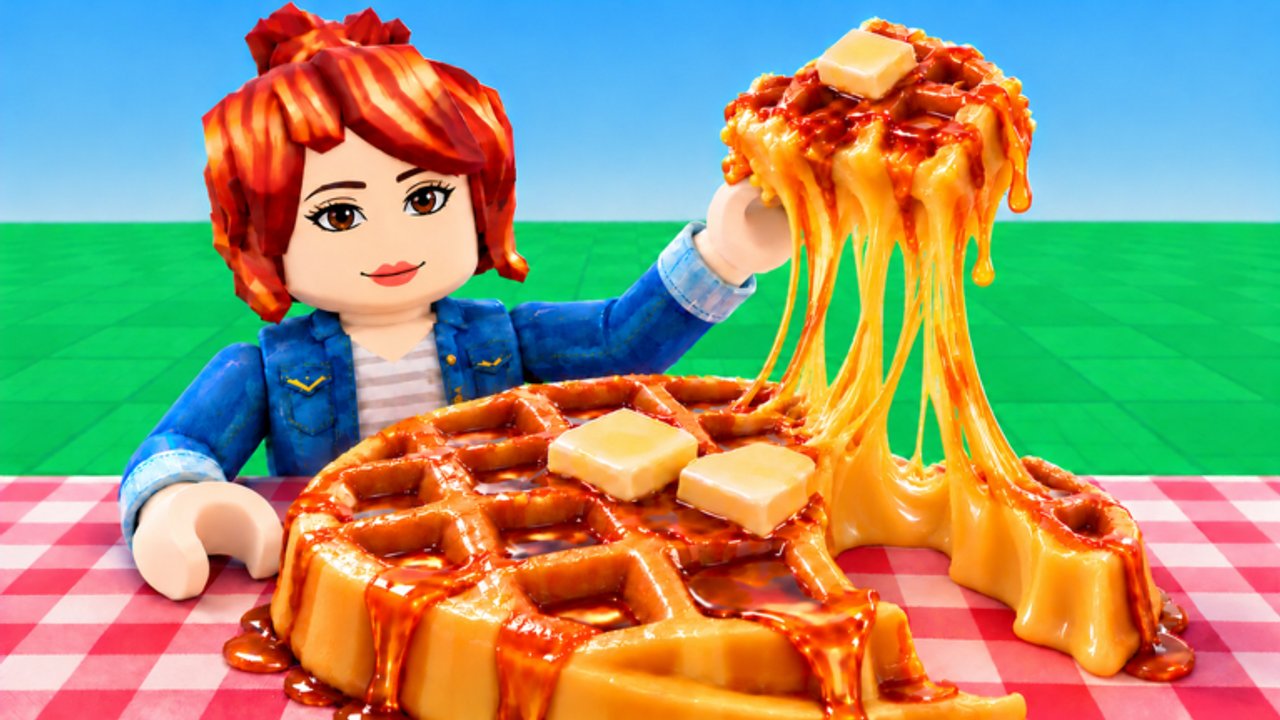
Extras and toppings are the presentation layer of Create Slime Mart. Courgette Fan Club’s early-access Roblox mart (live since 26 October 2026, Pets branding still in testing as of November 2026) already lets you build waffle, donut, pizza, and other slime snacks—but the colorful customization pieces are what make a kit look yours when you stretch, squish, and film for Coins and Subs. This guide goes deeper than the assembly order in How to Make Slime Food: you will learn how to organize Extras, when flair is worth the spend versus protecting finish rate, which toppings survive Roblox camera compression, and how to share piles politely in friend visits.
If you are brand new, finish Getting Started first. For which recipe families deserve premium garnishes, cross-check the Slime Food Tier List. Currency loops live in Earn Coins and Subs; restock timing in Shop and Restocks; framing habits in Filming Tips. Browse the full Guides Hub when you want the learning path map.
What Extras are (and are not)
Treat toppings as the food-identity layer: berries in waffle pockets, sprinkle weather on a donut, pepperoni zones on pizza. Treat Extras as the customization layer on top of that—charms, accent bits, novelty pieces, and colorful props that sell a theme. You can finish a snack without Extras, but films that earn strong Subs usually show at least a deliberate garnish pass.
Extras are not:
- A substitute for a crooked base or muddy sauce.
- A reason to dump every piece the box gave you.
- Guaranteed freebies from codes (as of November 2026 there are no confirmed active codes—recheck Codes after patches).
Extras are:
- Color contrast tools when the kit is monochrome.
- Theme amplifiers (brunch waffle, cafe donut, chaotic pizza).
- Social flex props when friends visit in servers capped near 10 players.
Organize before you decorate
Messy tables kill finish rate. After you open a box at your table:
- Sort into three piles — base/structure, main toppings, Extras/finishing bits.
- Park Extras off the camera lane so you do not knock them while seating dough.
- Group by size — large hero pieces first, micro bits last.
- Cull duplicates you will not use this create; leave them stacked for a second film or a friend.
Organization is especially important in collab. Call your table, keep your Extras pile on your side of the surface, and do not “borrow” a neighbor’s charm stack without asking. The Players hub covers visit etiquette; this page covers the kitchen logistics that keep shared sessions fun.
Flair budget vs finish rate
Every session has a soft budget: Coins for boxes, time until the next restock, and attention span before you rush the film. Use a simple rule:
| Session goal | Extras spend | Why |
|---|---|---|
| Learning / first create of the day | Minimal | Finish and film once before optimizing |
| Efficient Coin/Sub loop | Selective contrast only | Speed beats maximal clutter |
| Showcase / friend flex | Premium theme stack | Camera needs readable flair |
| Restock scramble | Defer fancy Extras | Secure the next box first |
Finish rate means completing a recognizable snack and capturing at least one clean take. Spending five minutes hunting the “perfect” Extra while the shop flips is a net loss—see Shop and Restocks for pacing. Flair is justified when the base is already stable and you have a clear theme. If the waffle still looks like a tilted brick, fix the base before adding charms.
A practical heuristic: if you cannot name the theme in five words (“pastel brunch waffle,” “lava sprinkle donut”), you are decorating randomly. Random decoration rarely improves Subs.
Camera-readable toppings and Extras
Roblox lighting and mobile compression punish tiny, low-contrast props. Design for a camera a few studs back, not for first-person inspection.
Readable habits
- Place large hero toppings first, then fillers.
- Prefer high value contrast (light cream on dark waffle, bright glaze on beige donut).
- Use odd-number clusters (three berries, five sprinkle clumps) so the eye finds rhythm.
- Keep a clean silhouette edge—Extras that spill past the plate muddy the frame.
- Put accent Extras on the near-camera rim, not buried in the far shadow.
Unreadable habits
- Micro bits that only you see in close-up.
- Same-value stacks (brown on brown on brown).
- Height towers that clip during stretch animations.
- Covering the base identity until the snack no longer looks like waffle, donut, or pizza.
Pair these rules with Filming Tips: three-quarter angles, a slow stretch for elasticity, then a squish payoff. Extras that survive that motion loop are keepers; pieces that vanish or clip mid-stretch should come off before the money shot.
Which recipes deserve premium toppings
Not every kit earns a full Extra budget. Use the Slime Food Tier List as a spend map:
- S-tier brunch waffles and glaze-forward donuts — worth premium Extras; silhouette already strong, flair multiplies flex.
- A-tier layered pizzas — spend on zoned toppings first; Extras only after thirds of the pie stay distinct.
- B-tier efficient loops — one contrast Extra is enough; film volume matters more than novelty piles.
- C-tier overloaded novelty kits — often reduce Extras; the box already dumps too many tiny props.
Premium toppings on a B-tier efficiency create can still look nice, but if they slow you below one filmed create per restock window, you overspent. Economy context sits in Earn Coins and Subs.
Collab: sharing Extras piles without chaos
Friend visits are a feature, not a distraction. In a ~10-player mart:
- Announce rare Extras when you find them so the table can plan themes.
- Offer duplicates instead of hoarding unusable stacks.
- Film side-by-side so each plate keeps its own garnish story—do not merge two half-builds into one cluttered mess.
- If someone is mid-film, freeze your pile sorting; camera shake and prop theft ruin Subs takes.
Shared discovery also helps when Pets testing content appears: companions should frame the snack, not bury the toppings. Track feature drops on Updates so you know when new Extras or boxes change the meta.
Session checklist
- Decide goal: learn, farm, or flex.
- Open box → sort structure / toppings / Extras.
- Lock base and main dress before touching Extras.
- Add only camera-readable garnishes that match a named theme.
- Stretch/squish test; remove pieces that clip or vanish.
- Film; then restock or visit friends for the next kit.
How this page connects
- Assembly order: How to Make Slime Food
- First hour: Getting Started
- Spend map: Slime Food Tier List
- Income: Earn Coins and Subs
- Shelves: Shop and Restocks
- Camera: Filming Tips
- Visits: Players
- Freebies status: Codes
- Patch watch: Updates
- Index: Guides Hub
Organize the pile, spend flair on purpose, and decorate for the camera you actually film with. That is how Extras stop being clutter and start paying for Coins and Subs.
Frequently Asked Questions
Quick answers to the most common questions.
What is the difference between toppings and Extras?
Toppings build the food identity—fruit, sprinkles, pizza pieces. Extras are the colorful customization layer that themes the snack after the structure is stable.
Should I always use every Extra in the box?
No. Cull pieces that hurt silhouette, contrast, or stretch clarity. Finish rate and camera readability beat dumping the whole pile.
When should I spend Coins on fancy Extras?
After the base is solid and you have a named theme—especially on S-tier waffle or donut showcases. Skip heavy flair during learning or tight restock windows.
How do I share Extras in a friend server?
Keep piles on your side of the table, offer duplicates, and freeze sorting while someone films. Servers soft-cap near 10 players, so clear callouts matter.
Which recipes deserve premium toppings first?
Check the Slime Food Tier List. Brunch waffles and glaze-forward donuts usually repay premium Extras; B-tier efficiency loops only need selective contrast.