How to Visit Friends in Create Slime Mart
Join co-op sessions, handle full servers, and keep restock etiquette clean for hosts and guests.
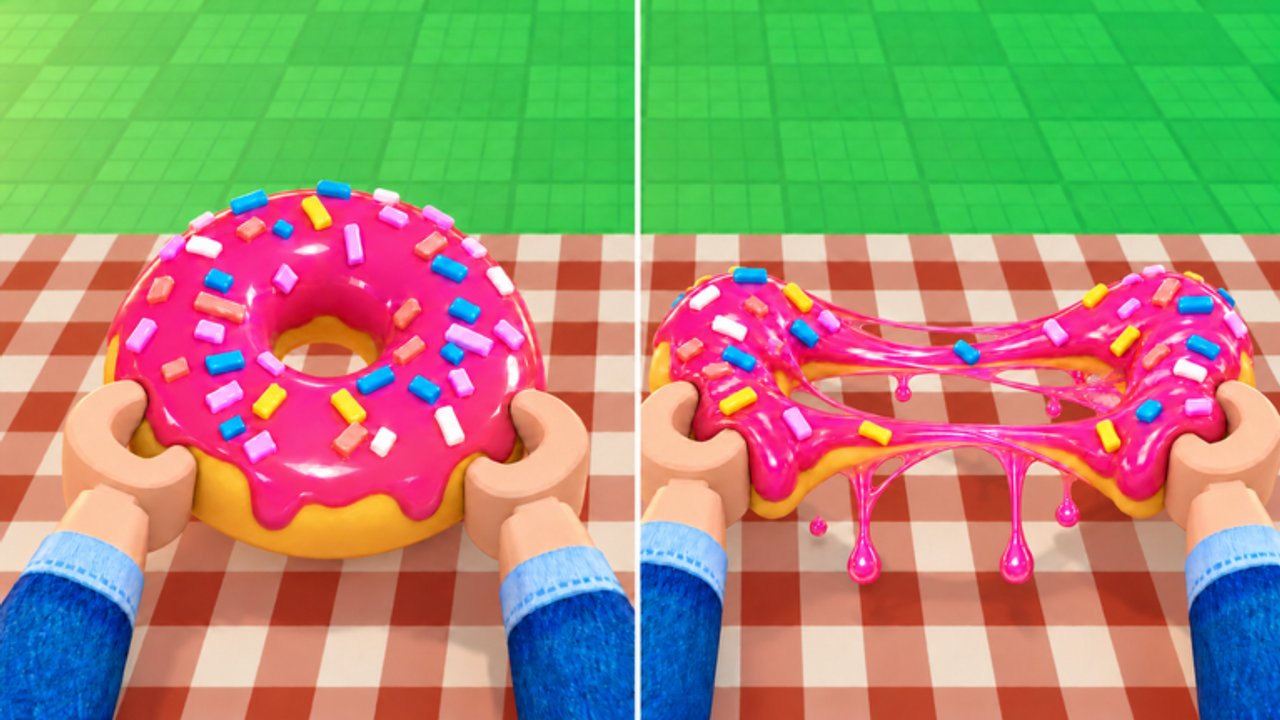
Create Slime Mart by Courgette Fan Club is built for shared slime kitchens, not lonely AFK shelves. Since the Roblox launch on 26 October 2026, players have been visiting friends to craft side by side, call restocks, film stretch takes, and compare Pets testing builds (active through November 2026 and beyond). This guide covers how to join a friend’s session, what to do when the server is full, how host and guest roles differ, and what not to do when you share a mart capped near 10 players.
If you are brand new, skim Getting Started and Controls before you drop into a contested restock. For the wider collab map, return to the Players hub after this page.
Why visit friends at all?
Solo play teaches the box → table → film loop. Visiting friends accelerates everything else:
- Live restock callouts beat staring at empty shelves alone.
- Side-by-side tables make recipe and Pets comparisons honest.
- Teaching a new player once saves them an hour of failed films.
- Shared energy keeps you finishing creates instead of endless Extras tweaks.
Co-op is online — you join through Roblox social tools into the same instance. The soft ceiling around 10 players is intentional: everyone can hear chat, see the aisle, and film without megaserver chaos.
How to join a friend’s Create Slime Mart session
Exact UI labels can shift during early access, but the Roblox flow is familiar:
- Be friends (or have a valid invite path) with someone already in Create Slime Mart.
- Open their profile or the in-experience friends panel and use Join / Follow when their server shows as joinable.
- Wait for shops, tables, and your avatar to finish streaming — do not spam interacts during load.
- Greet the host in chat, ask which shelves are contested, then claim a free table.
- Craft, film, and share tips; leave cleanly if the instance fills or the host needs private testing time.
Send the official place link from Official Links if a friend has never installed the experience. Do not invent private server workarounds that break Roblox rules — use normal join tools.
Full-server handling (the ~10 player cap)
When joins fail, assume the mart is at capacity before you assume a bug.
| Situation | What to do |
|---|---|
| Join button greys out / errors | Message the host; wait for someone to leave after a film take |
| Large friend group (8–12) | Rotate guests in waves instead of everyone forcing entry |
| Host filming a showcase | Queue socially — do not steal-join mid-stretch |
| Lag after many Extras | Stagger film takes; reduce cluttered animations |
| Pets comparison night | Cap the guest list early so companions and UI stay readable |
A full server is not a personal insult. Treat the cap as part of the game’s design: small rooms reward etiquette.
Host versus guest roles
If you are the host
- Keep at least one mental slot free if you invited creators who need to film.
- Call restocks in chat the moment shops refresh.
- Point new players to a free table and a simple starter box before contested kits.
- Set soft rules (“one rare box each,” “no vacuuming the waffle shelf”) at the start.
- Pause private Pets testing when guests arrive, or schedule a clear “solo patch hour.”
If you are the guest
- Ask before rearranging shared Extras piles or decorations.
- Buy only what you will film this session — do not hoard every restock for a private inventory fantasy.
- Credit the host when you post clips filmed in their mart.
- Leave promptly if the room is full and someone else is waiting.
- Never run shady tools that ESP stock or auto-grab boxes; see Scripts for why that burns trust and accounts.
Hosts own the vibe; guests protect it. Both roles share responsibility for restock fairness.
Restock callouts and aisle etiquette
Shop restocks are the social heartbeat of Create Slime Mart. Deep timing and buy habits live on Shop and Restocks; here is the collab layer:
- Call it — type when you notice a refresh so the whole room can plan.
- Split intent — agree who needs waffle vs donut vs pizza kits before the rush.
- Leave teaching stock — if a beginner is mid-tutorial, do not vacuum every box on their shelf.
- Film between waves — idle staring at empty shelves wastes Coins and Subs; run a create with what you own (see Earn Coins and Subs).
Restock etiquette is how small servers stay fun past the first ten minutes.
Teaching new players in a shared mart
Pair veterans with newcomers instead of dumping them into a contested aisle:
- Send them Getting Started and Controls before join.
- Assign a quiet table and one simple kit (waffle is often friendliest).
- Narrate assemble → Extras → stretch → film once while they mirror.
- Save rare restock fights for after their first complete film.
- Point filming polish at Filming Tips once the basic loop sticks.
Teaching sessions should feel slower and kinder than flex nights. The goal is one finished create on camera, not a perfect tier-list plate.
Pets comparison sessions (November 2026 testing)
Pets content is still in active testing as of November 2026. Collab shines here:
- Compare companion behavior side by side at neighboring tables.
- Note build or version differences — not every friend’s session matches yours after a patch.
- Keep the guest list small so pet UI and aisle chat remain readable.
- Cross-check impressions against the Tier List after you have real playtime, not vibes alone.
- Re-read Updates before a showcase night so nobody argues about removed or renamed features.
Pets amplify a kitchen loop you already understand; they do not replace box-to-film skill or restock manners.
What NOT to do in shared sessions
- Vacuum every shelf the instant restock hits — especially when friends are learning.
- Run scripts or executors that steal boxes, ESP rare stock, or auto-film. Shared sessions plus shady tools is how groups break and accounts risk moderation. Read Scripts for safer context and why we discourage abuse.
- Spam join into a full room hoping to kick someone mid-craft.
- Invent codes or pressure the host for freebies — there are no confirmed active codes as of this writing; check Codes instead of rumor chat.
- Block cameras during someone’s timed film take.
- Treat the host’s mart like a free warehouse — buy with intent, film what you buy, leave the aisle better than you found it.
A clean visit checklist
- Confirm friendship / invite path and that Create Slime Mart is the target place (Official Links).
- Join only when there is room; otherwise message and wait.
- Greet, ask restock rules, claim a free table.
- Complete at least one honest create-and-film loop.
- Call restocks; share teaching tips; compare Pets only if the room agreed.
- Leave with credit to the host and without clearing their shelves.
Visiting friends is the social half of Create Slime Mart’s fantasy: grocery boxes, slime snacks, stretch takes, and a mart that feels alive because people respect the ten-player room. Host thoughtfully, visit politely, and keep scripts and shelf-vacuuming out of the aisle.
Frequently Asked Questions
Quick answers to the most common questions.
How do I visit friends in Create Slime Mart on Roblox?
Add or select a friend who is in the experience, then use Roblox Join/Follow when their server has room. Wait for load, greet the host, and claim a free table.
What is the player cap when visiting friends?
Expect a small co-op ceiling around 10 players. If join fails, the server is likely full — message the host and rotate guests instead of spam-joining.
What should hosts versus guests do?
Hosts call restocks, set soft aisle rules, and protect teaching stock. Guests ask before rearranging shared items, buy only what they will film, credit hosts in clips, and leave when the room is full.
Can we compare Pets together during testing?
Yes. Keep the guest list small, note version differences after patches, and cross-check the Tier List and Updates hub so comparisons stay factual during November 2026 Pets testing.
What should I never do in a shared Create Slime Mart session?
Do not vacuum every restocked shelf, run shady scripts that steal or ESP stock, invent codes, or block someone’s film take. There are no confirmed active codes — check the Codes page instead.